CLOUDPROG Quick Tutorials
How to connect CloudProg to Ethernet.
How to connect CloudProg to WiFi.
How to submit service request on CloudProg Device.
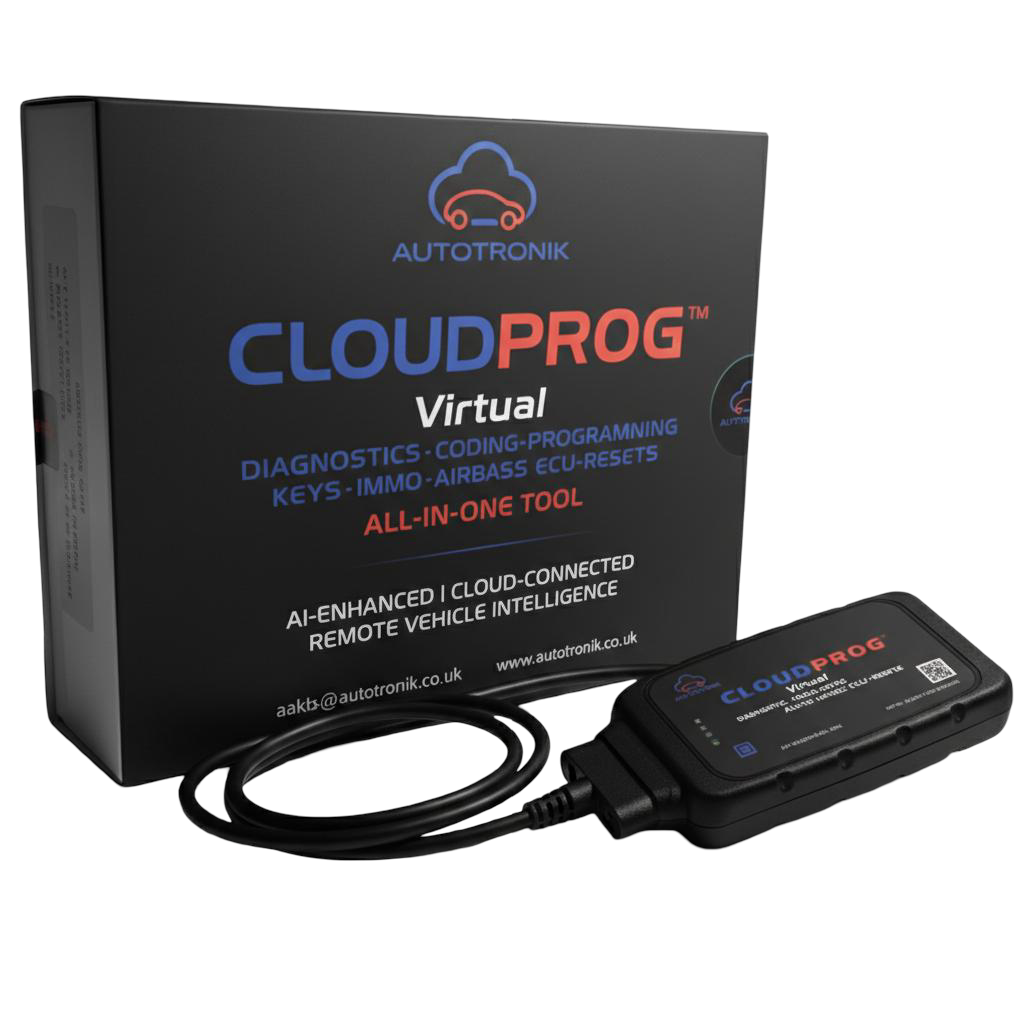
CLOUDPROG – Virtual Diagnostic Tool
Dealer capability. Zero subscriptions. No expiration.
CloudProg gives your workshop full diagnostic and programming power without investing in multiple tools.
Diagnostics. Coding. Online programming. Key programming (OBD). SRS crash unlocks. Resets. Feature customisations, and many more.
All in one device.
You buy CloudProg once.
You only pay per job (No job no pay).
No subscriptions. No renewals. No expiry. No hidden fees.
Why It Matters
• Works on most vehicle brands • Coverage up to 2025 (will cover all future releases) • Always up to date in the cloud • Can be used on smart phone, laptop, tablet, etc… • Beginner-friendly. Professional-grade • Ideal for quite business and for busy workshops
Note: The Application is only for Android users .
Scan QRcode or use the bellow link to download our CLOUDPROG Application:
Click to download
- Plug CloudProg into the vehicle OBD
- Connect to your router via Ethernet (Wi-Fi supported)
- Open CloudProg on your smartphone or laptop
- Select the service, view the price, and create a ticket
- The job is completed by AI or an Autotronik technician
- You receive a completion notification
- Job done
- An invoice will be issued within 7 days (means do the job now and pay later)
